Shopping Cart
There are no more items in your cart
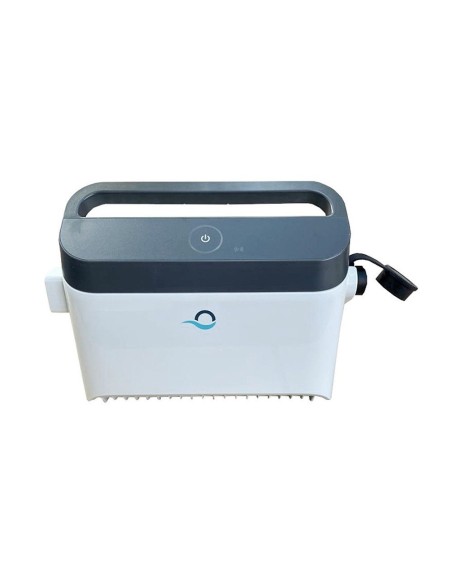
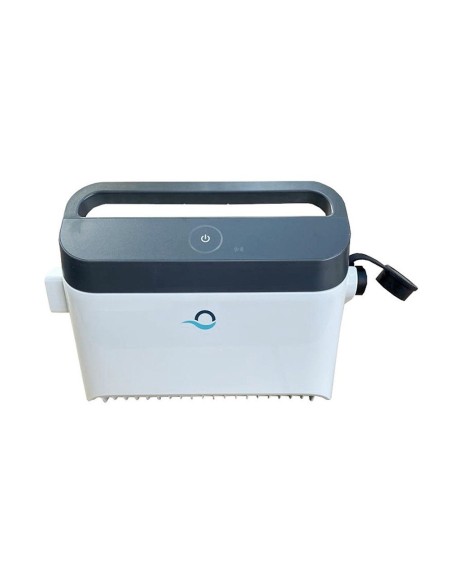
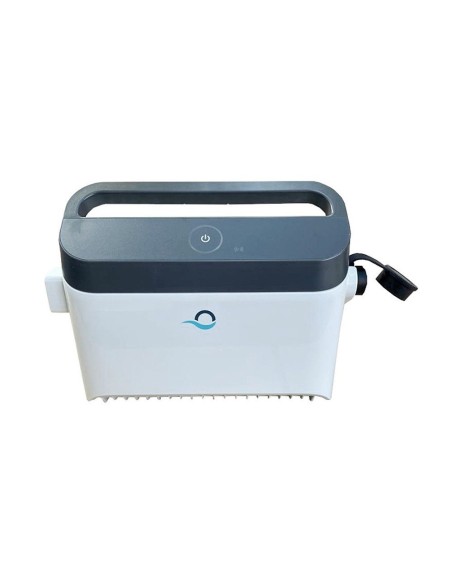
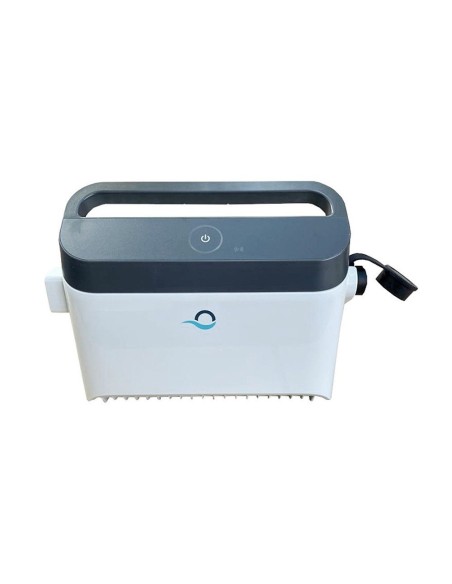
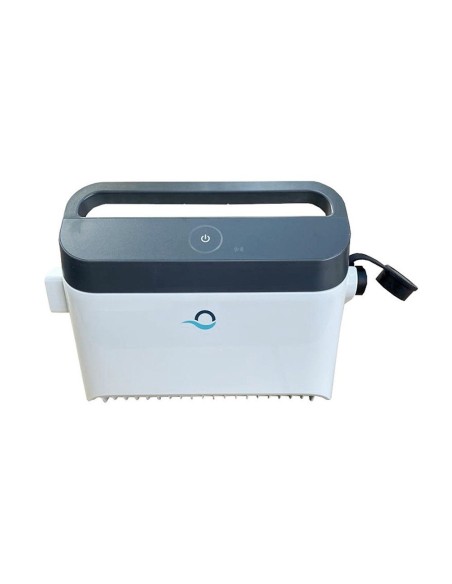
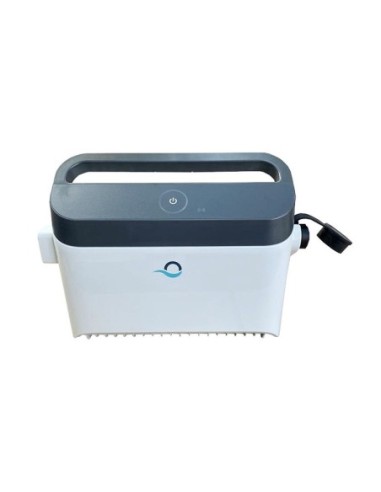
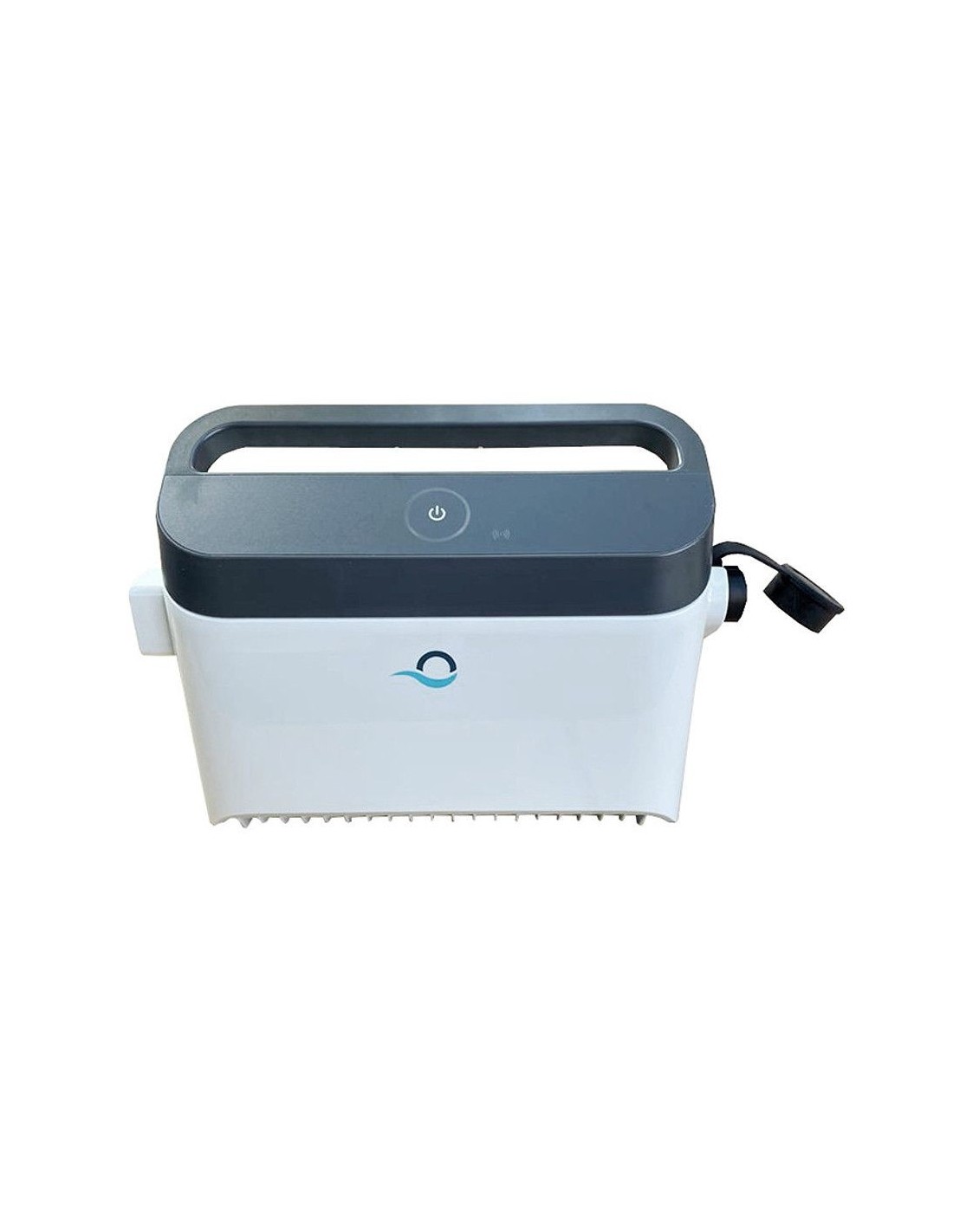
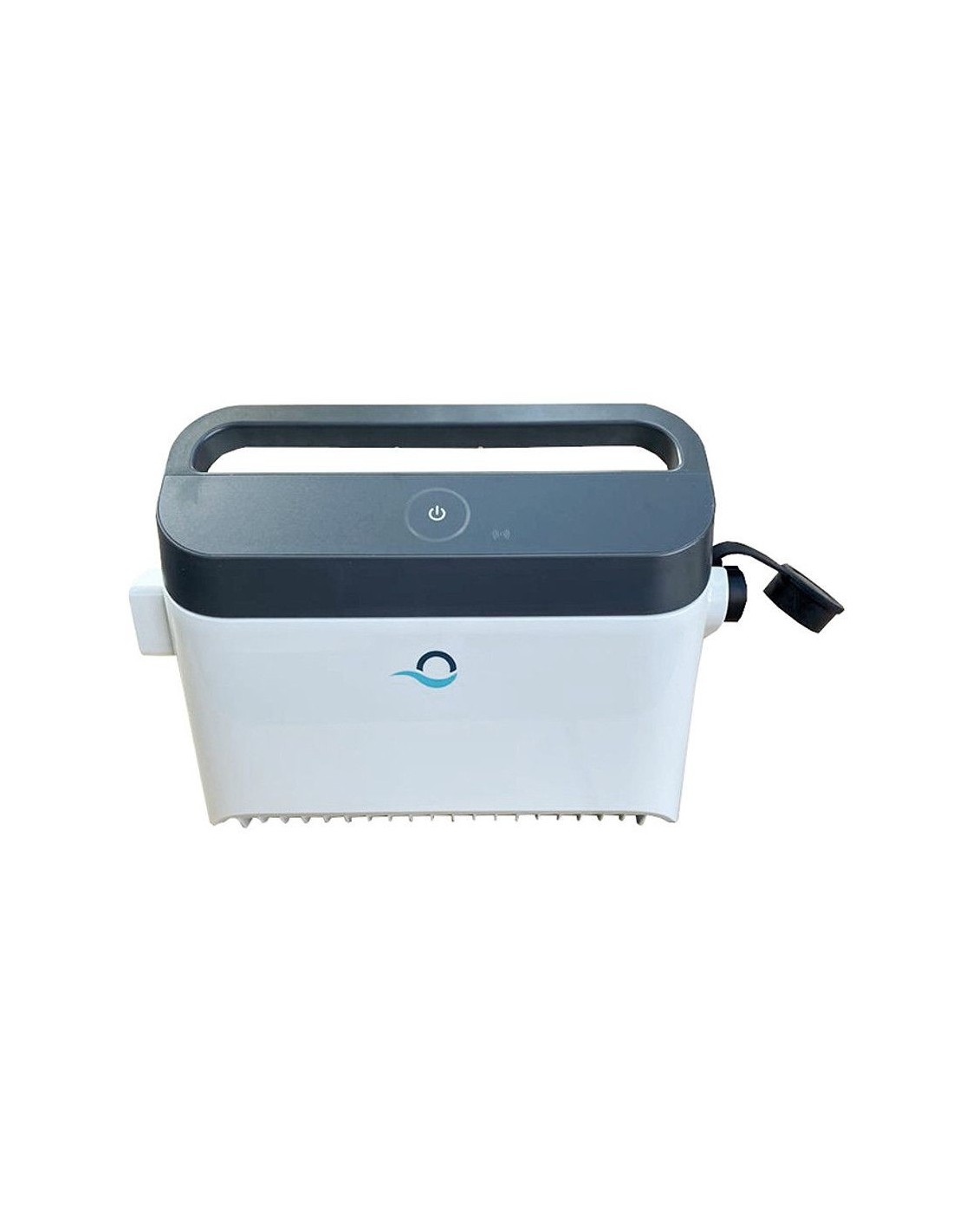
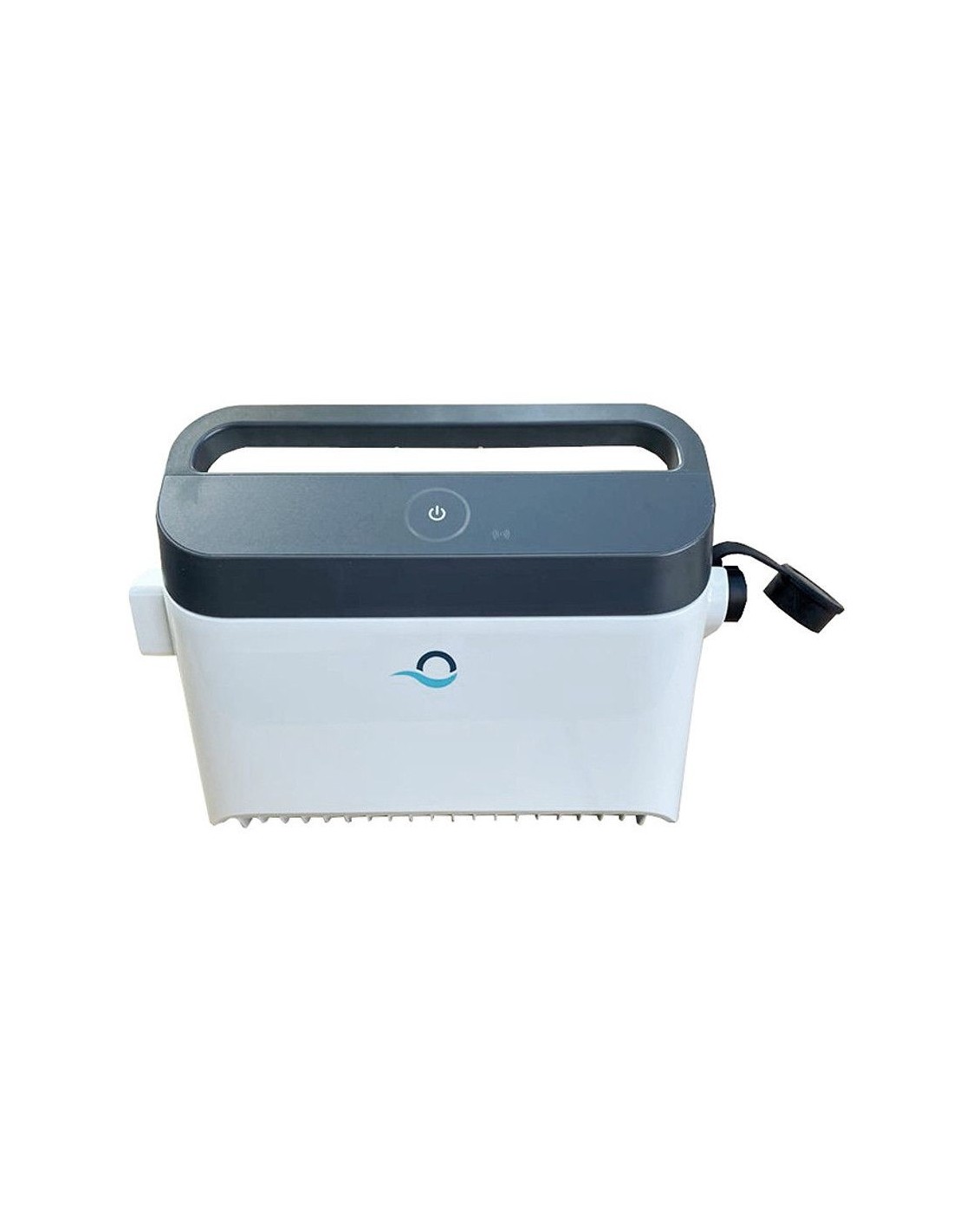
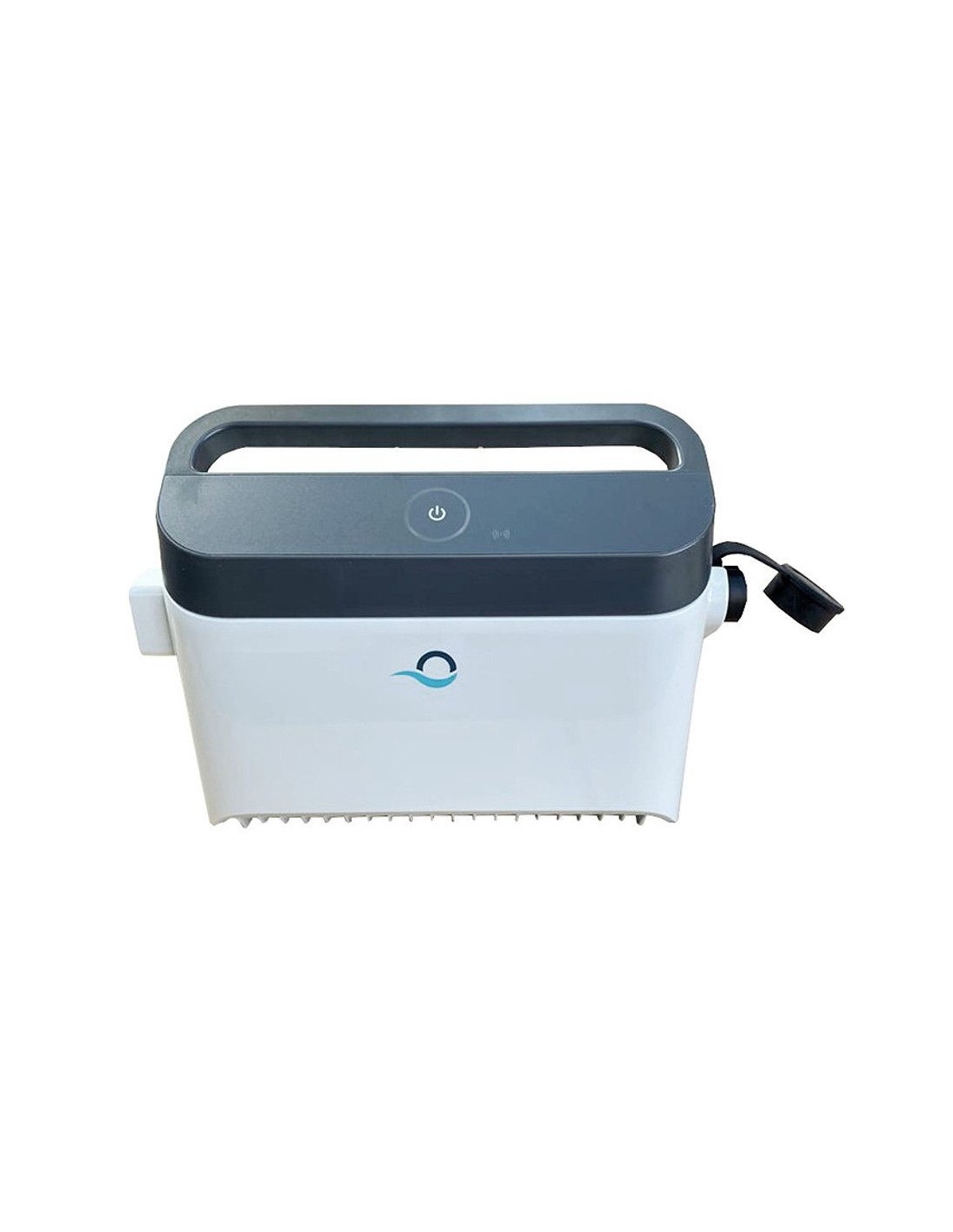
IoT transformer cleaning robots - 99956083-ASSY
Maytronics
99956083-ASSYV4
Out-of-Stock
€249.00
Tax included
*Please
*Please
*Please clean the filter (only for Dolphin M600 and M700).
Power supply On/Off button features:
Operating - Press the On/Off button for up to 5 sec.
Quick start - This feature activates a specific feature via the power supply. *In selected models, these features can be changed via the app.To activate the quick start feature, press and hold the On/Off button for 5 sec.The blue led light will blink 3 times.
Automation mode - This feature allow you to connect to your smart-home.To activate the automation mode, press and hold the On/Off button for 15 sec.The blue led light will blink 3 times.
*Please
*Please
*Please clean the filter (only for Dolphin M600 and M700).
Power supply On/Off button features:
Operating - Press the On/Off button for up to 5 sec.
Quick start - This feature activates a specific feature via the power supply. *In selected models, these features can be changed via the app.To activate the quick start feature, press and hold the On/Off button for 5 sec.The blue led light will blink 3 times.
Automation mode - This feature allow you to connect to your smart-home.To activate the automation mode, press and hold the On/Off button for 15 sec.The blue led light will blink 3 times.
- Robot family
- M400 · M500 · Supreme M4 · M5
M600 · M700 · E60i - Robot series
- M Series, Supreme & Zenit
- Fitment note
- Several versions exist: please compare the part number on your old part before ordering.
Tap to zoom